
The Information Architecture consisted of 3 parts: Navigation, Site Map, and Content Outline.
Navigation describes how the pages will be linked together. A site map illustrates each page of a website and how a user can navigate through the website. A Content Outline is a list of what each page will include.
Site Map
I started with the sitemap:
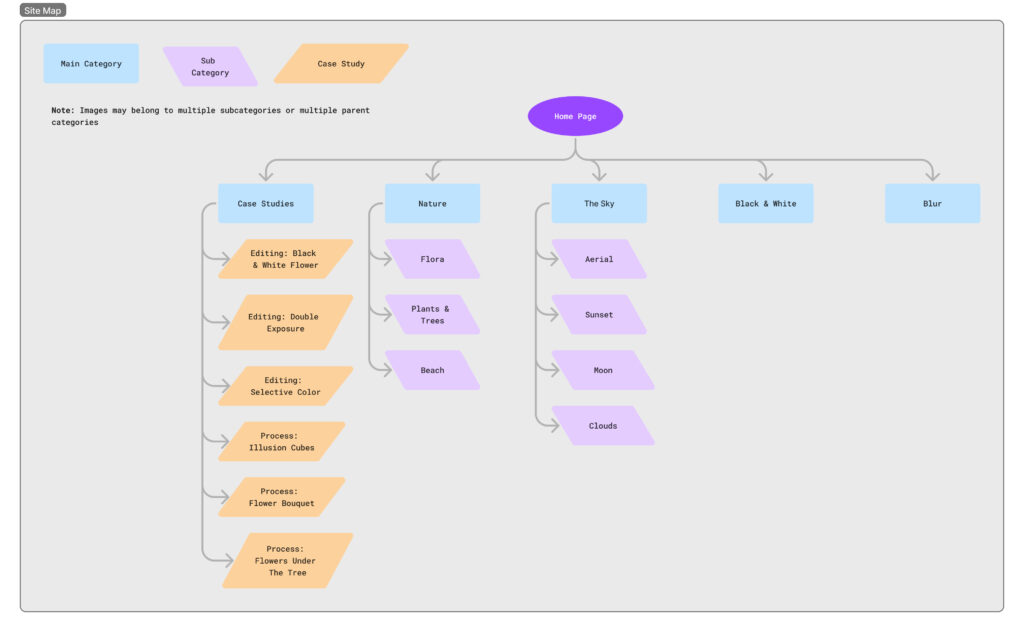
It helped to figure out what pages I’d need to create first before figuring out what content needed to go inside them.
My plan was a home page that linked to all of the main categories. Main categories that had sub categories would link to those as well. These would consist of mainly pictures.
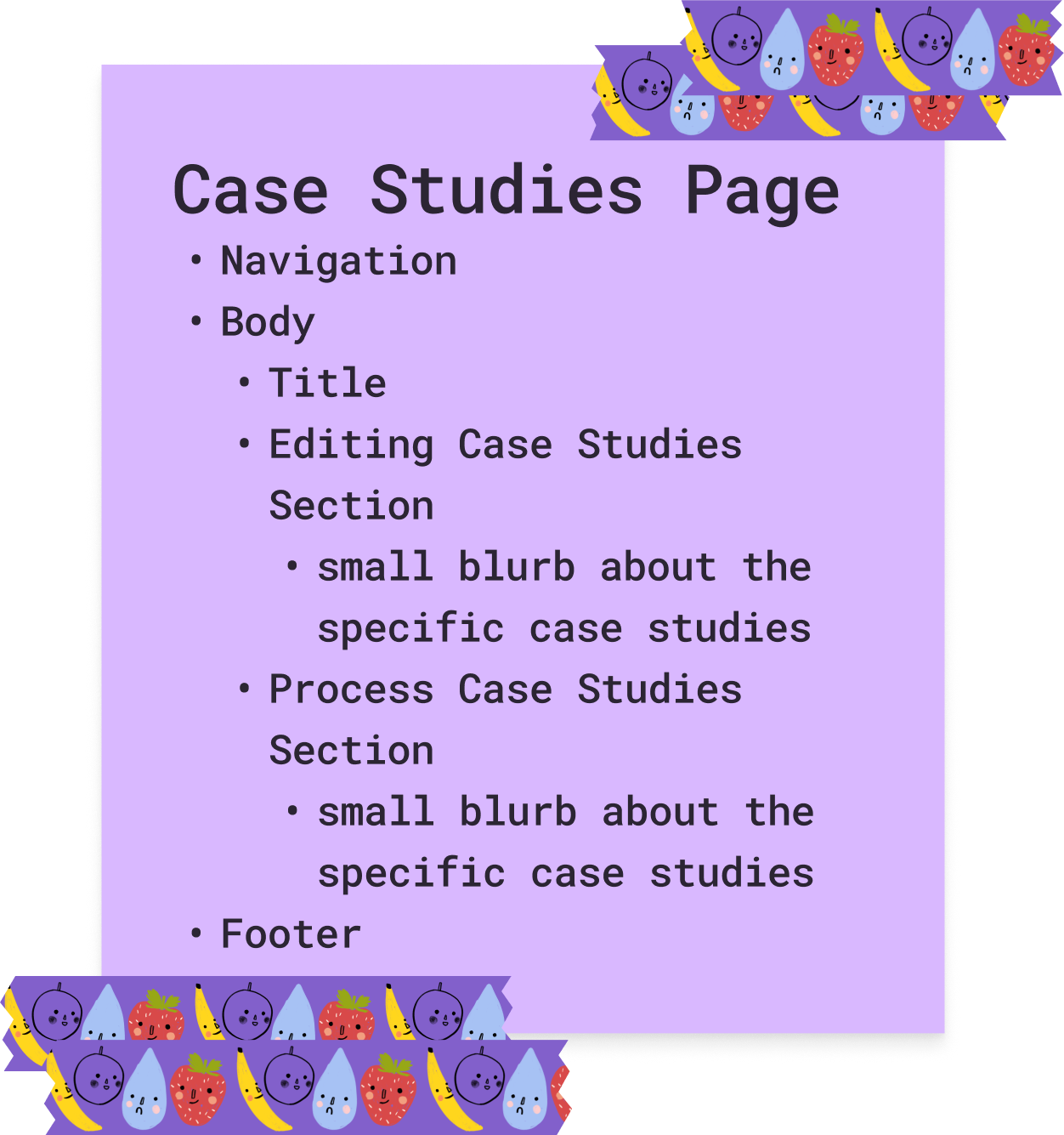
The case studies page would be different since it would be made up of posts instead of images which is why they are a different color and shape on the site map.
The note I added was just in case I decided to categorize my photos in different categories if any methods that I used to categorize in the future allowed me to.
Content Inventory
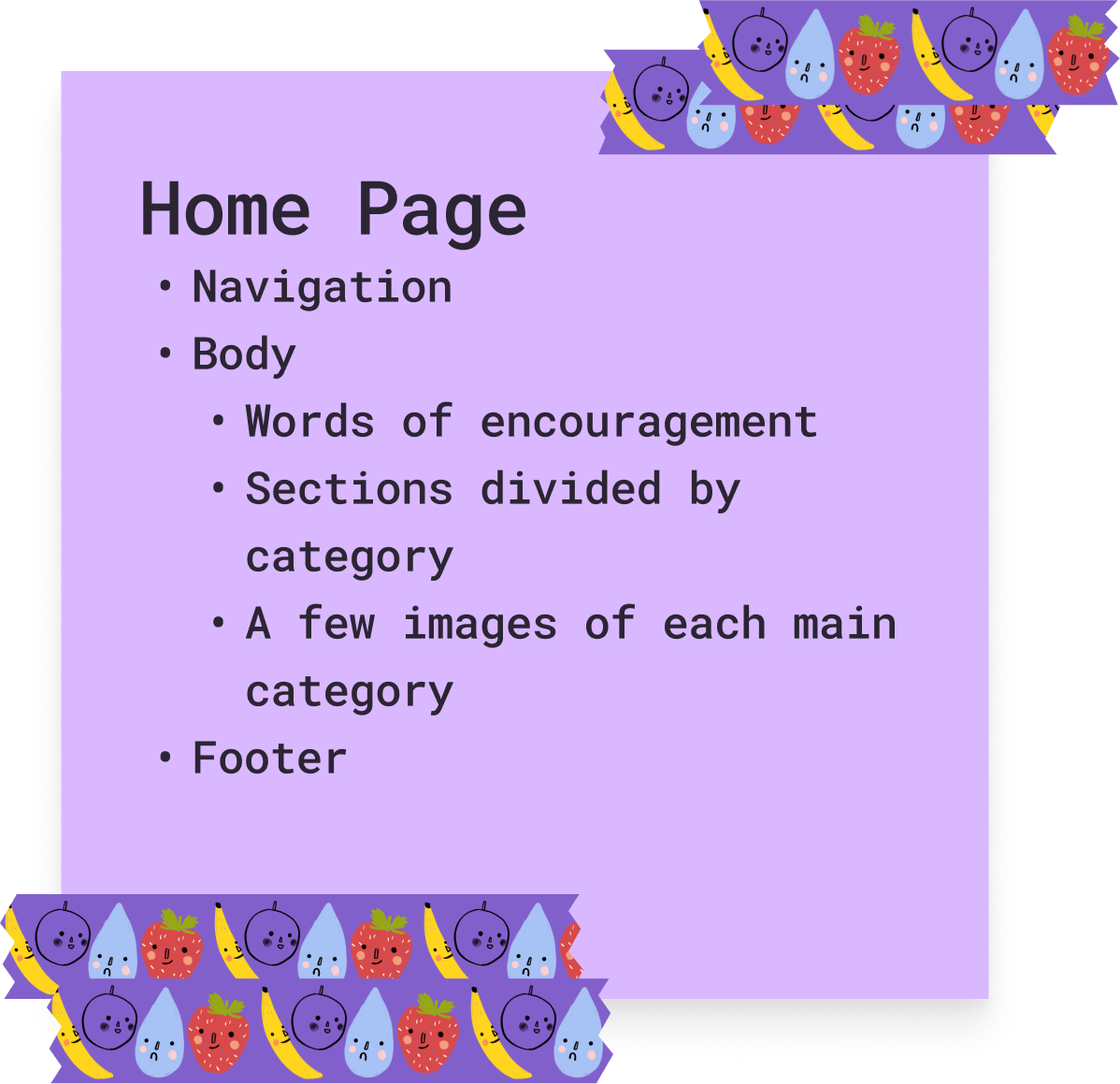
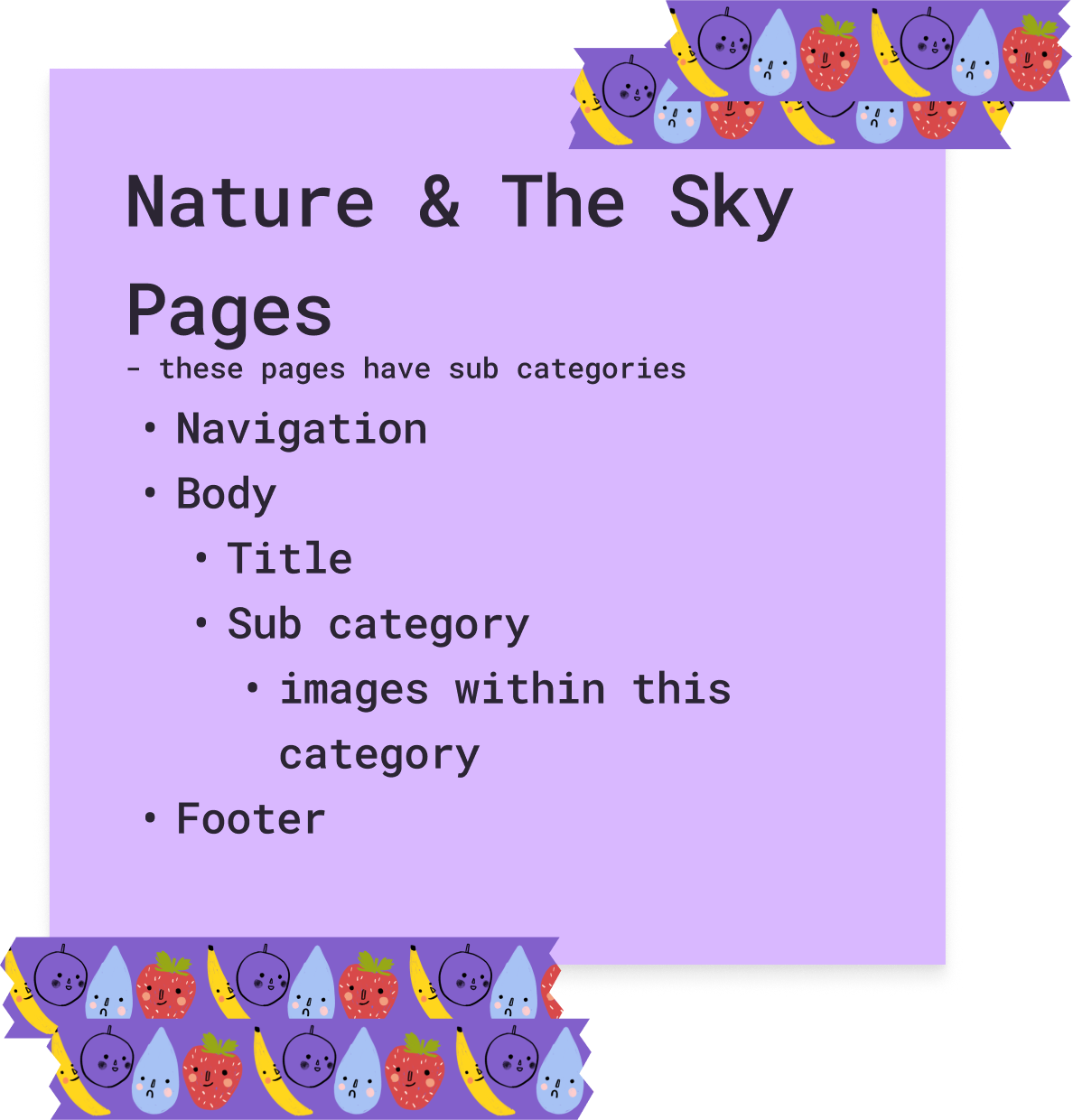
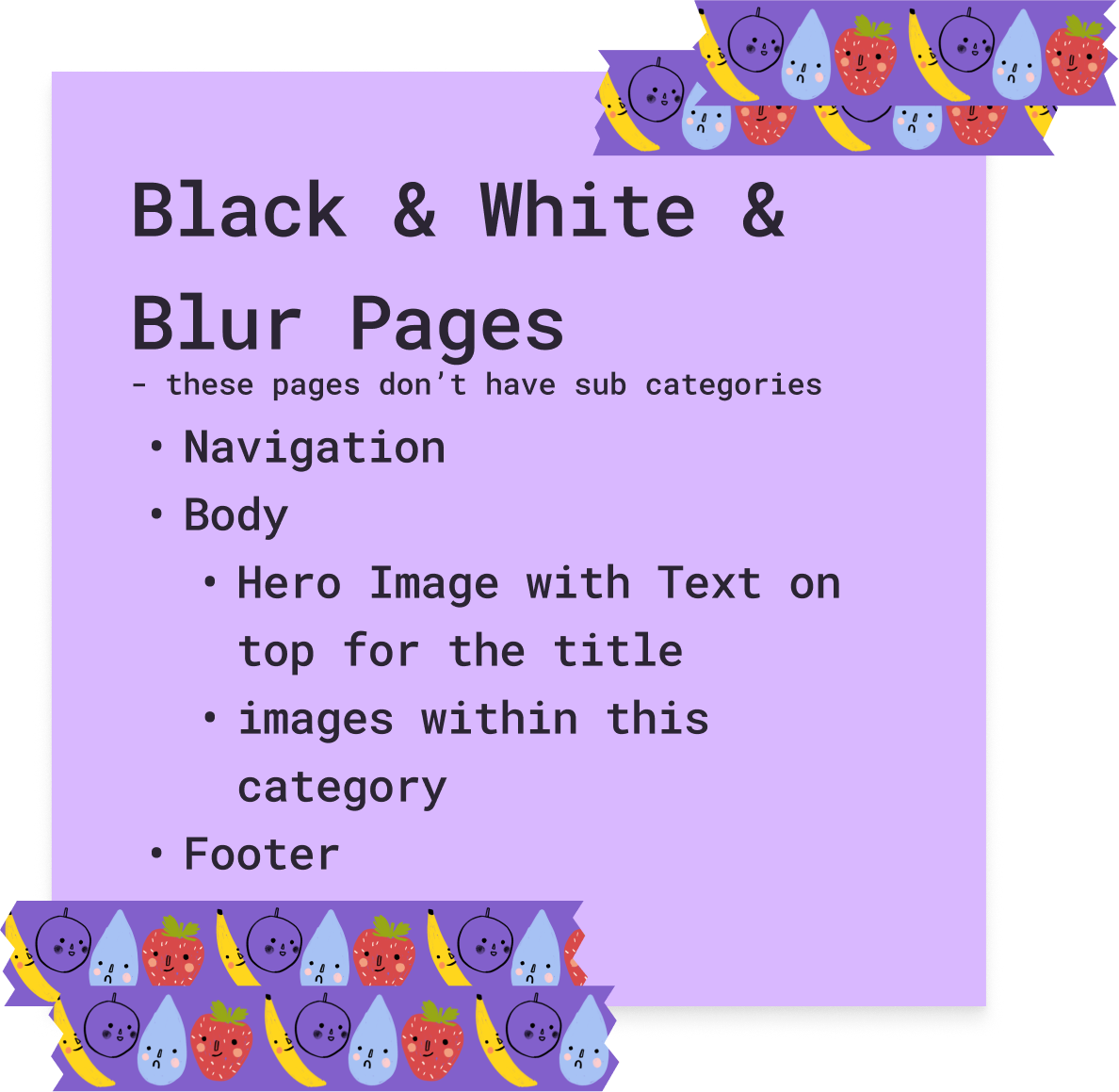
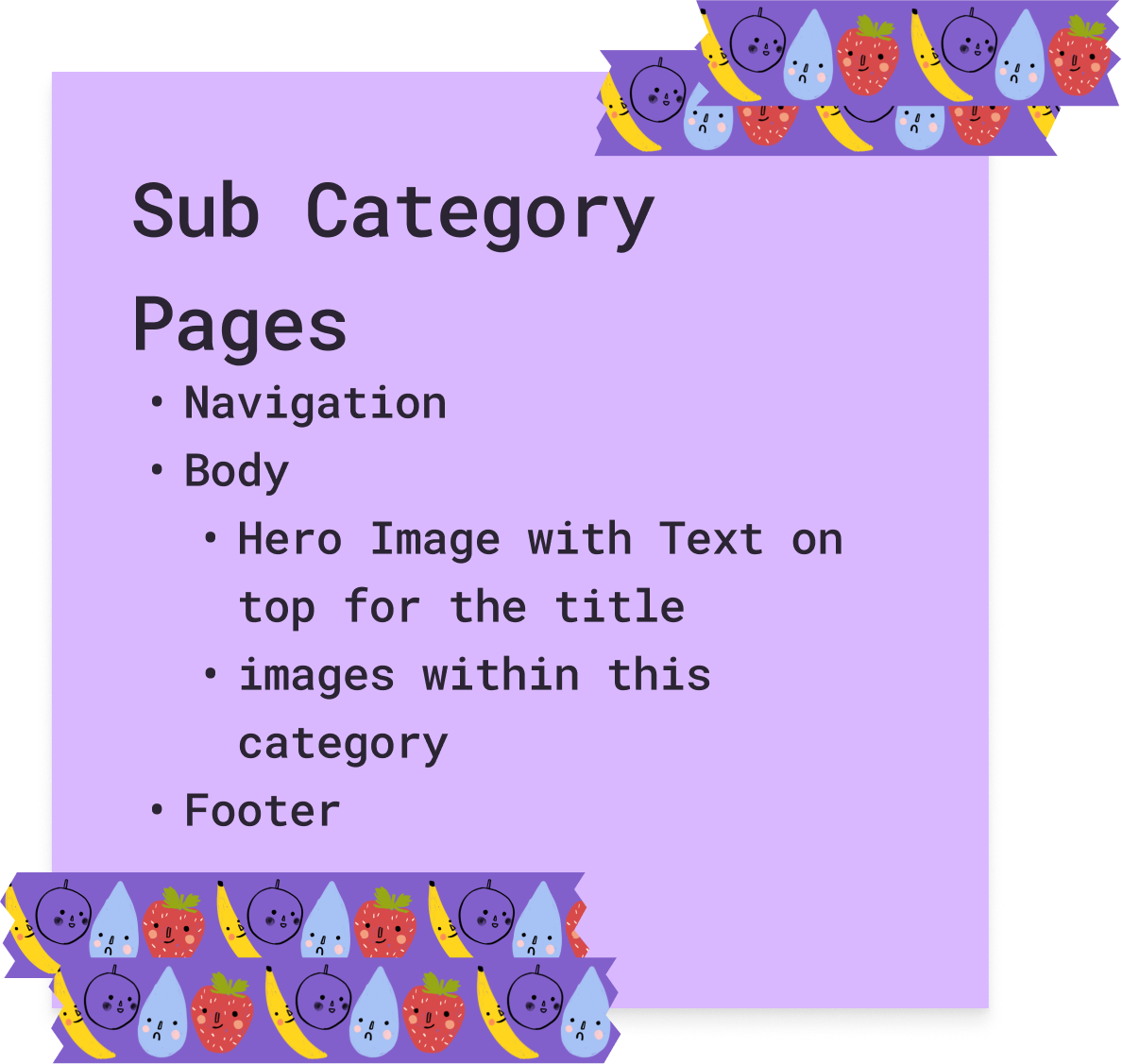
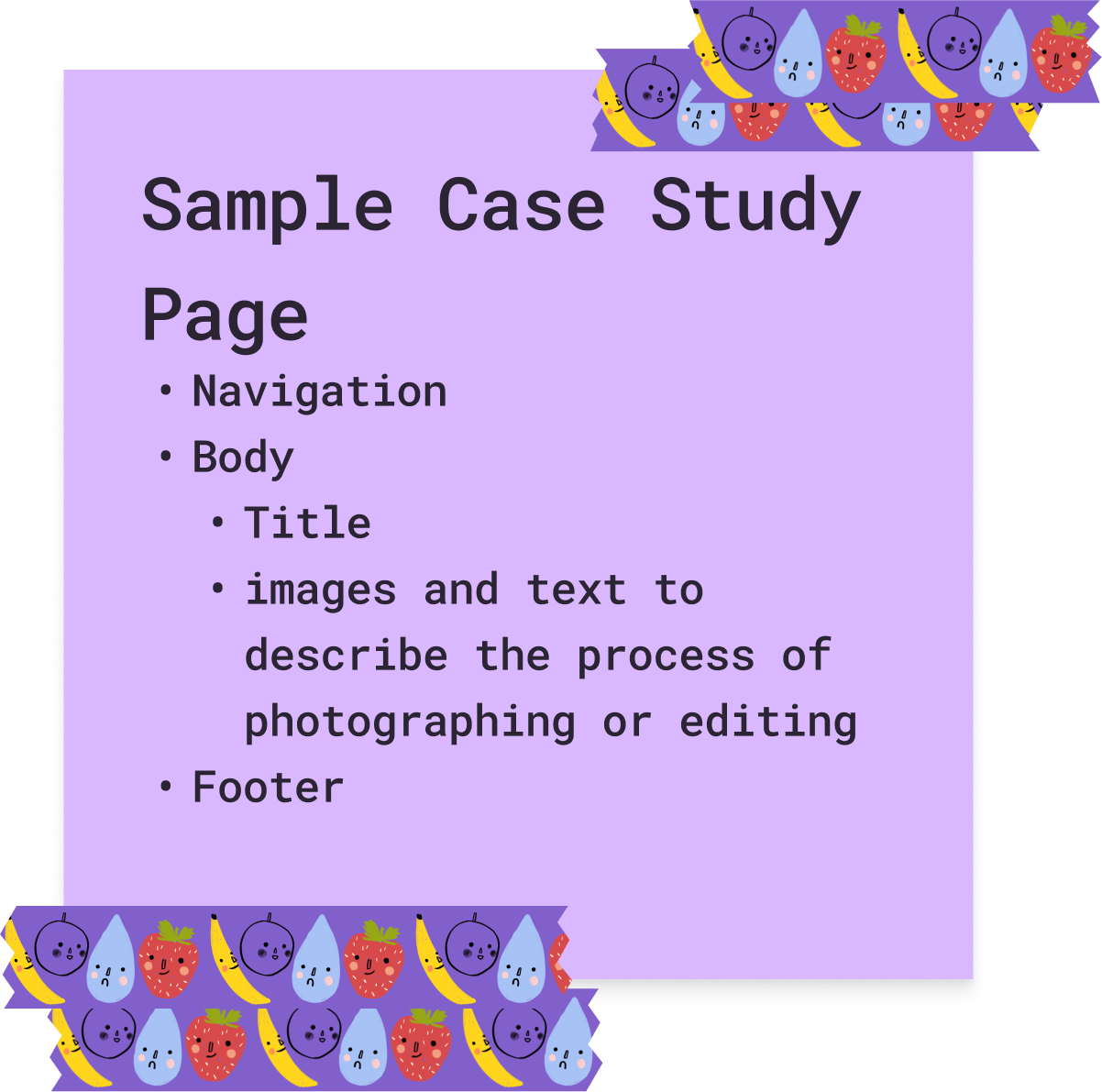
After this, I came up with the content that would be present on each page.
Navigation

Much of this information was about logistics. What will be inside the navigation? What will be in the footer? Which elements will be present on each page and which ones will be unique?
I added a text version of my site map as well as came up with a file naming convention for when it came time to begin working with my photos.
Finally, I created links to documents that I would need in the future. These included a Photos Spreadsheet where I’d keep track of the status of my photos, a Content Inventory Spreadsheet to keep track of what changes I’ve made to pages and posts once production has started, and a Written Content Document for writing the content for the Case Studies.